Restaurant POS Software: Is POS Enough?
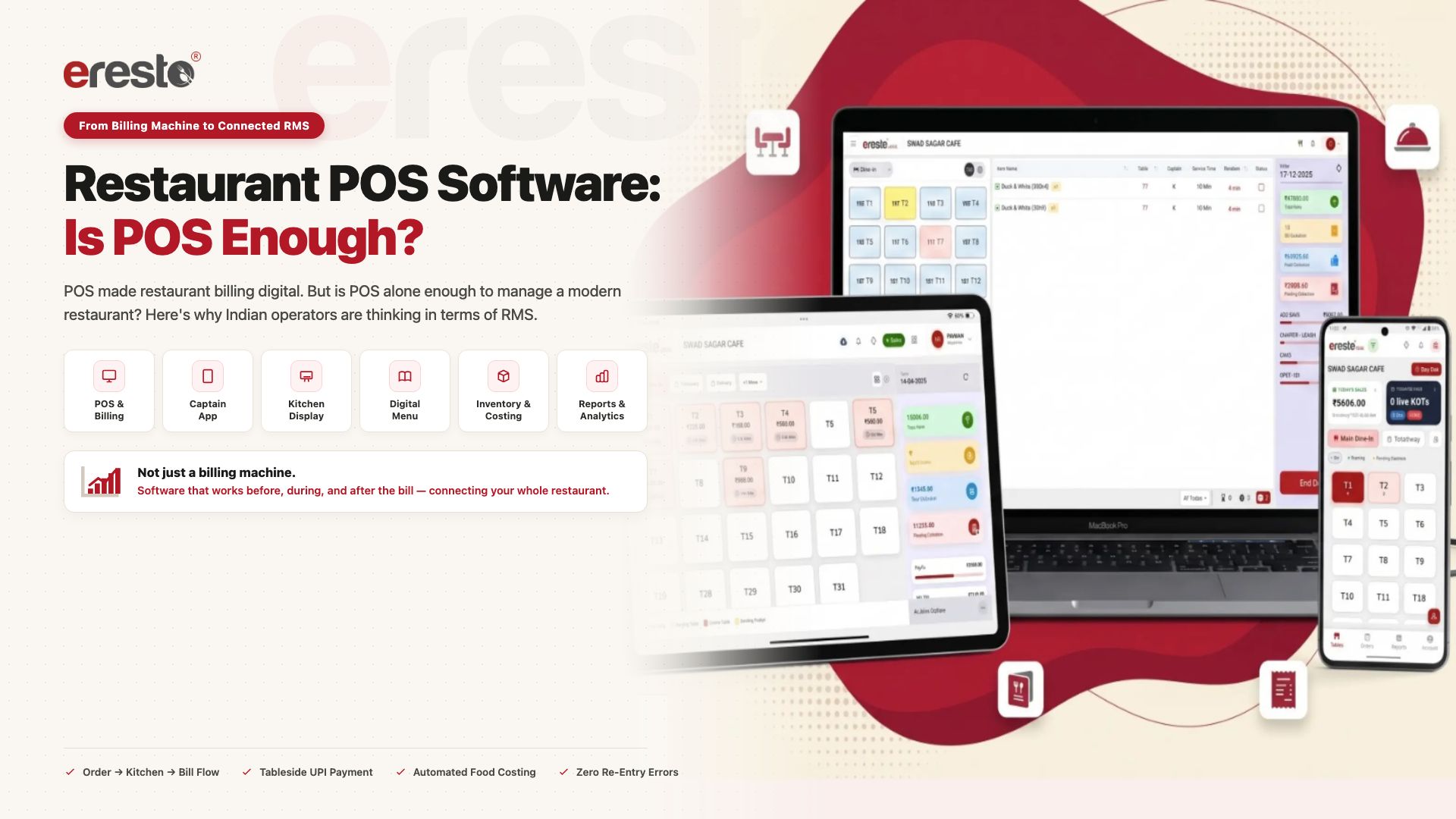
India’s restaurant technology market is growing fast — and the question operators are asking has quietly changed. It’s no longer just about having a billing system. It’s about how much of the restaurant that system actually connects.
For a long time, restaurant technology meant one thing: a billing machine.
Take the order. Enter it. Print the bill. Collect payment.
Then came POS — Point of Sale. It expanded restaurant billing significantly. Orders, KOTs, tables, settlements, discounts, and reports came together into a single digital system. That was a genuine step forward. For a full comparison and a buyer checklist, see our restaurant billing software page.
But look at what a restaurant visit can look like today.
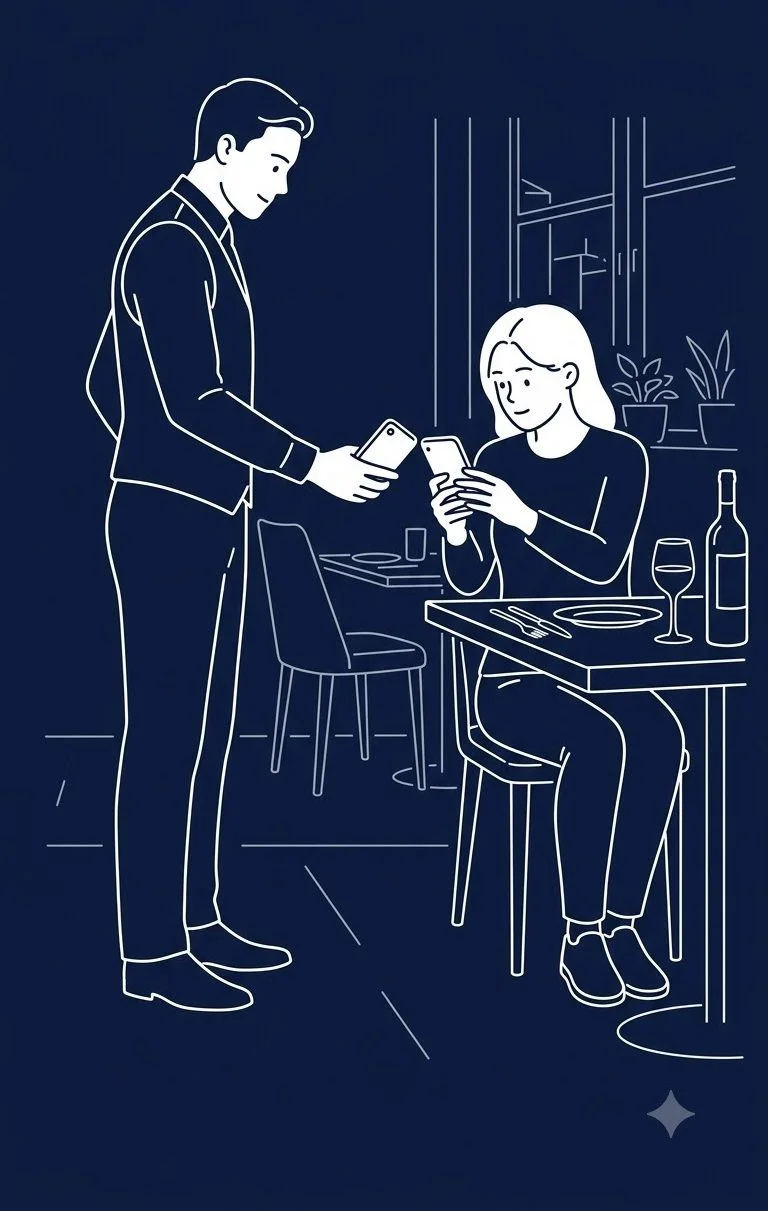
A guest scans a QR code and sees a digital menu on their own phone. The menu adapts to the time of day — different dishes, a different look, for lunch versus dinner. The guest filters or searches the menu. A captain takes the order on a mobile device. That order reaches the kitchen and the billing desk simultaneously. A Kitchen Display System shows the supervisor which orders need attention. The captain closes the table from the app, shows a UPI QR code, and the bill lands on the guest’s phone — without a trip to the counter.
Which raises a reasonable question:
If all of this is possible — is a POS alone still the right way to think about restaurant technology?
”Does our restaurant have a POS or billing machine?”
”What does your POS connect to — and how far does that information travel?”
From billing machine to POS: a real evolution
The billing machine had a narrow job. It recorded the sale and produced the bill.
POS expanded this considerably — bringing order management, table tracking, KOTs, discounts, shift settlements, and sales reporting into one system. That mattered.
But the restaurant itself didn’t stand still. Today, solutions exist that can connect the full journey — from managing the entrance with restaurant queue management to the tableside digital menu, the service team, the kitchen, payments, inventory, and management analytics into one continuous flow.
When technology spans this much of a restaurant’s operation, a new term fits better than POS alone: RMS — Restaurant Management Software, or Restaurant Management System.
What a connected restaurant visit looks like
Not every restaurant will use every piece of technology described below. But modern restaurant management solutions can connect many of these steps into a single flow — and each step illustrates why the technology conversation has moved beyond billing.
1. The guest arrives — and the menu is already digital
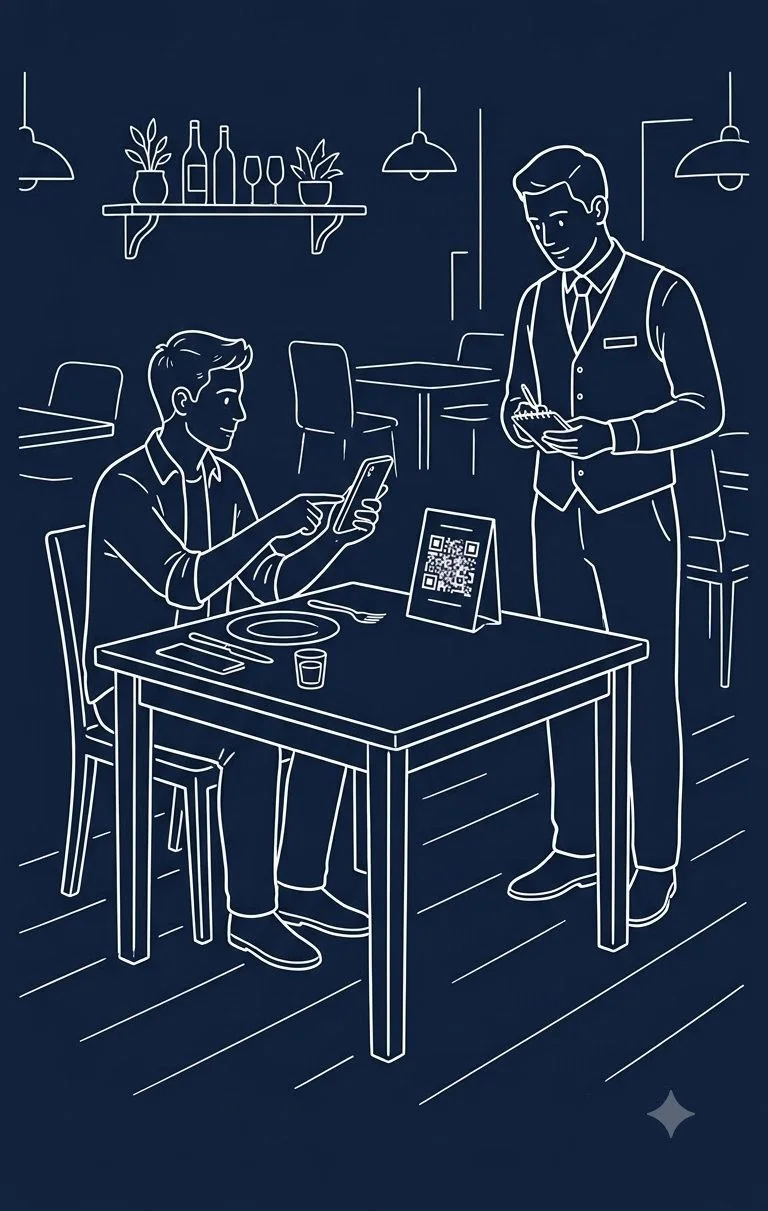
A QR code on the table opens the restaurant’s digital menu on the guest’s own phone. A genuinely digital menu isn’t a static PDF behind a QR code. It can show different dishes — and a different look and feel — depending on whether it’s lunch or dinner. The guest can search or filter dietary preferences rather than scrolling endlessly. Technology is already creating value before anyone reaches the billing desk.
We’ve broken down what separates an interactive digital menu from a PDF: What Is a Digital Menu? (And Why a PDF Behind a QR Isn’t One) →
2. The captain takes the order — and it moves simultaneously
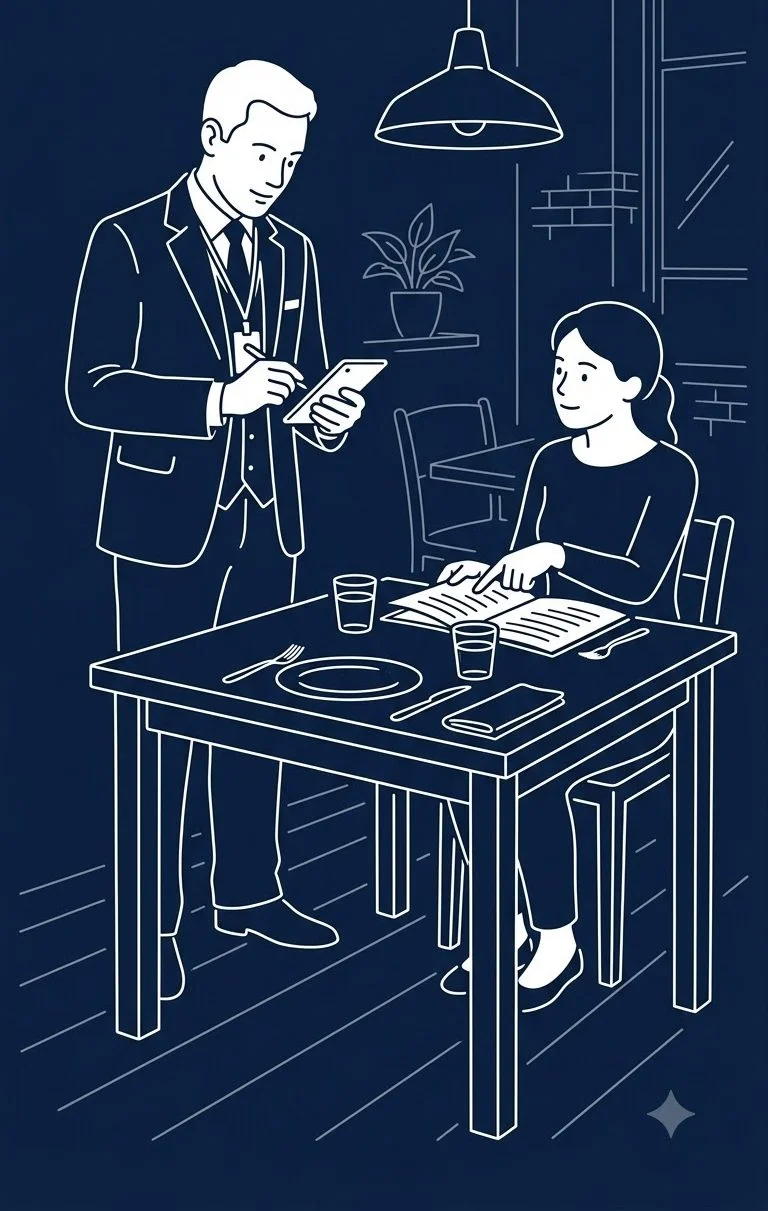
Using a mobile Captain App, service staff can take orders right at the table. That single action submits the order to the POS at the billing desk and the kitchen at the exact same moment — no manual re-entry, no runners, no verbal miscommunication. If the restaurant uses a KOT printer in the kitchen, it prints there directly; if it uses a Kitchen Display System, the order appears on-screen in real time.
3. The kitchen gets more than just the order
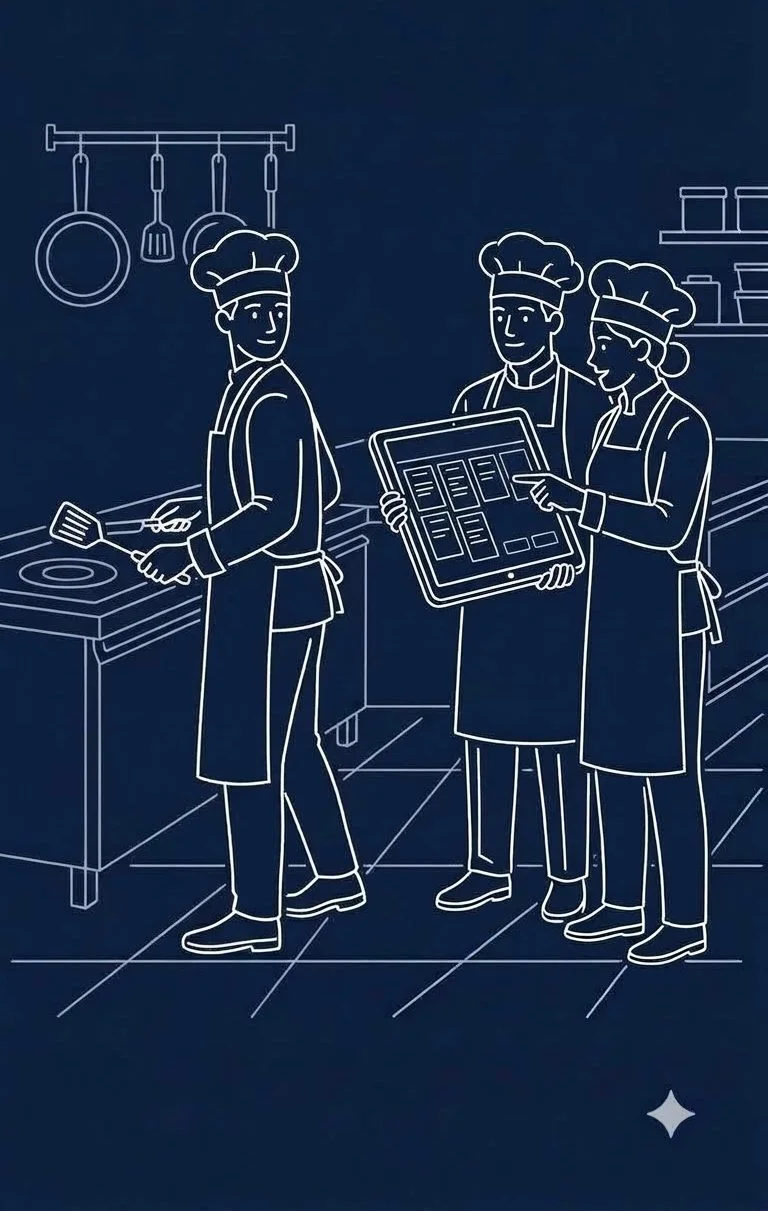
A printed KOT tells the kitchen what was ordered. An integrated Kitchen Display System (KDS) goes further — showing the head chef and station supervisors which tickets need attention right now, tracking prep turnaround times (TAT), and flagging items that are running late. The kitchen works from the exact data originated by the guest and captain. Nobody has to recreate or yell orders across a busy pass.
4. Billing comes to the table — payment happens there too
When the guest is ready to settle, the captain initiates table closing right from the Captain App. The POS generates the bill, and the captain displays a dynamic UPI QR code on the handheld screen. The guest scans and pays at the table, receiving a digital WhatsApp or SMS receipt. The POS software remains the reliable engine of record for the transaction — but the billing desk no longer bottlenecks the dining room.
5. The transaction ends — but the information keeps working
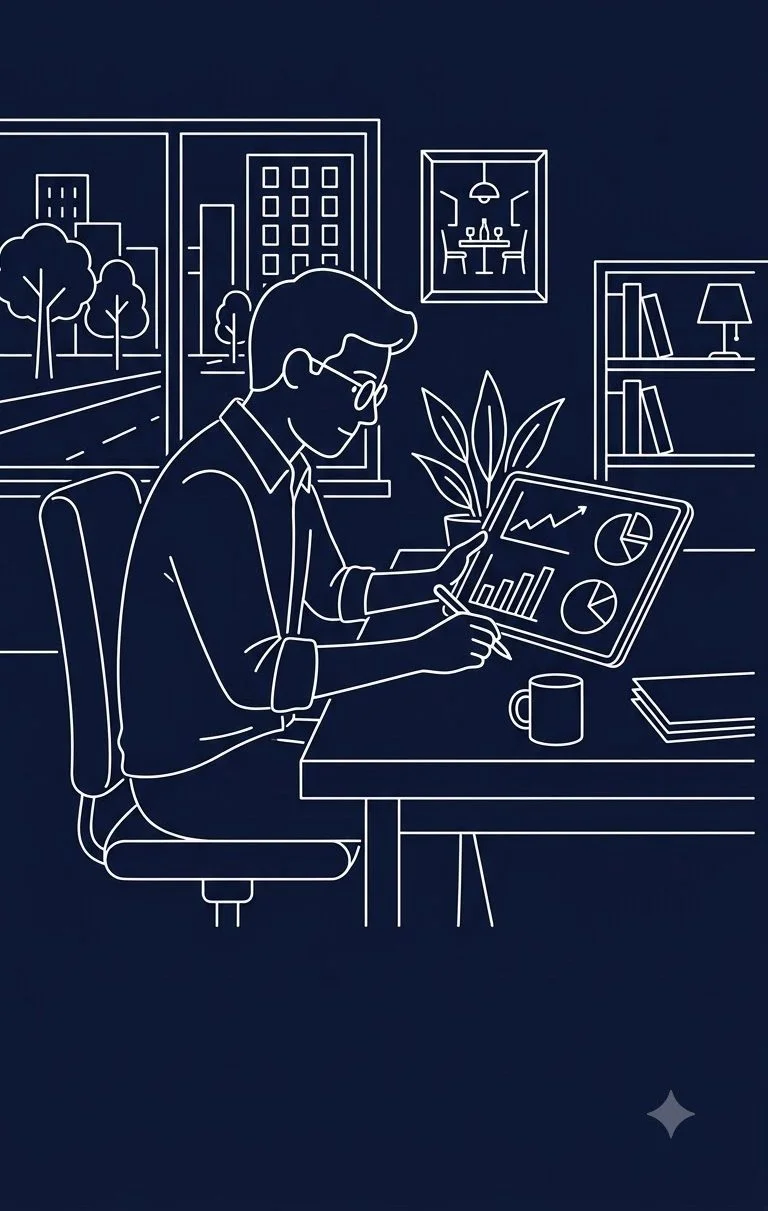
Once the table settles, the data from that order doesn’t sit idle in a daily batch file. It flows directly into ingredient inventory, updating recipe food costs in real time. It updates customer CRM records, computes loyalty points, and populates management analytics. The transaction isn’t just an invoice — it’s the raw input for tomorrow’s purchasing, menu engineering, and staffing decisions.
POS and RMS: what’s actually different
POS isn’t obsolete. A fast, reliable restaurant POS software remains an essential foundation of day-to-day operations. The distinction isn’t about replacing it — it’s about understanding what ecosystem it sits inside.
| POS — Point of Sale | RMS — Restaurant Management Software | |
|---|---|---|
| Focus | Primarily the transaction: order, bill, payment, sales record | The full operation: guest, menu, service, kitchen, POS, payments, inventory, customers, management |
| Location | Centred at the billing desk | Spans the restaurant — guest-facing, tableside, kitchen, back-office, cloud |
| Role | The primary standalone technology for many restaurants | POS as one interconnected module inside a unified management system |
The Key Distinction: Connectivity A restaurant can have a digital menu, a Captain App, a POS, a KDS, inventory software, and a CRM — and still have disconnected processes if those systems don’t talk to each other in real time. The number of isolated screens in a restaurant doesn’t determine its capability. The seamless flow of information does.
Enter information once. Let connected systems use it wherever it’s needed.
What a modern restaurant management suite covers
When the POS becomes one component of a broader operational platform, here is what the complete picture looks like:
- Digital Menu — guest-facing, searchable, session-aware with allergen and dietary tags (eresto digiMenu →)
- Captain App — tableside order taking, table management, and instant KOT dispatch (eresto Captain →)
- POS & Billing — lightning-fast billing, shift settlements, GST compliance, and offline resilience (eresto Edge →)
- Kitchen Display System (KDS) — live ticket management, color-coded delay alerts, and prep tracking (eresto KDS →)
- Queue & Waitlist Management — smart token issuance, SMS waitlist alerts, and table turnover optimization (eresto Queue →)
- Inventory & Recipe Costing — automated ingredient deduction linked to every sale and recipe
- Expense Management — daily vendor payouts, petty cash, and operational overheads tracked in one dashboard
- CRM & Loyalty — repeat guest tracking, visit frequency, and personalized promotional campaigns
- Reports & Analytics — live cloud analytics, item-wise profitability, and multi-outlet operational visibility
Having all of these isn’t the goal. Having the ones your restaurant needs — and having them talk to each other — is.
So, is POS enough?
If by POS we mean a modern point-of-sale system, it remains an important part of a restaurant’s technology. But if the question is whether a POS alone is sufficient to use technology effectively across a modern restaurant, the answer is increasingly no.
Billing is where the financial transaction closes. But the restaurant exists on either side of it: the guest experience before the bill, and the operational data after it. Technology that only addresses the checkout counter leaves the rest of your restaurant operating in silos.
The POS was a meaningful step in the evolution of restaurant technology. RMS is the complete operational picture it belongs to.
Learn more about evaluating systems: Restaurant Management Software: What to Look for Beyond Billing →
Ready to Connect Your Whole Restaurant?
Discover how eresto One brings your digital menu, Captain App, POS, kitchen display, and inventory together in one seamless, real-time platform.
Book a Free Demo with eresto →Frequently Asked Questions
What is the difference between a restaurant POS and a Restaurant Management System?
A POS (Point of Sale) is primarily concerned with the transaction — order, bill, payment, and sales record. A Restaurant Management System (RMS) covers the full operation: guest experience, digital menu, service team, kitchen, POS, payments, inventory, customer management, and reporting. The POS is one important component inside the larger RMS.
Is restaurant POS software still relevant in 2026?
Yes — a good POS remains essential. The point isn’t that POS is obsolete; it’s that POS alone is no longer sufficient to use technology effectively across a modern restaurant. The question has shifted from “do you have a POS?” to “what does your POS connect to?”
What is RMS in restaurant management?
RMS stands for Restaurant Management Software or Restaurant Management System. It is a connected technology ecosystem that brings together the digital menu, Captain App, POS, Kitchen Display System, inventory, expense management, CRM, loyalty, and reporting into one platform — so information flows through the operation rather than being entered multiple times.
What should a restaurant POS connect to?
A modern restaurant POS should connect to: a digital menu for guest-facing ordering, a Captain App for tableside order taking, a Kitchen Display System or KOT printer for the kitchen, a payment system including UPI, inventory and food costing, CRM and loyalty, and management reports. When these systems share information, the restaurant stops re-entering data at every stage.
What is a Captain App in restaurant technology?
A Captain App is a mobile application used by the restaurant’s service captain to take orders at the table and submit them directly to the POS and kitchen simultaneously. It removes the need to walk to the billing counter to enter an order, and allows the captain to initiate table closing and show a UPI payment QR code from the same device.
Can a small restaurant benefit from Restaurant Management Software?
Yes. Even a single-outlet restaurant benefits from connected technology — the digital menu removes reprinting, the Captain App removes order re-entry errors, and the KDS reduces kitchen miscommunication. The goal isn’t more software; it’s software that works together so staff enter information once and the system uses it across the operation.